
YouTube
See the app in action
Get to know SelfShapeAI through video and follow app launches on our channel.
- SelfShapeAI videos
- Product news and launches
Subscribe to the channel to follow upcoming videos.
Watch on YouTubeSelfShapeAI community
See SelfShapeAI in action on YouTube, exchange training experiences on Reddit and share your milestones with us on Instagram.
YouTube, Reddit and Instagram
Play a video, bring a question to the community or share a milestone.
YouTube
Get to know SelfShapeAI through video and follow app launches on our channel.
Subscribe to the channel to follow upcoming videos.
Watch on YouTubeBring a training question, share what worked in your routine or suggest what you want to see in the app.
Include your context so the community can understand your question.
Join us on RedditFollow training content, product news and behind-the-scenes moments from SelfShapeAI. Have a milestone to share? Tell us about it.
Tag @selfshapeai when you want to share a moment from your workout.
Follow on InstagramYour effort, session after session
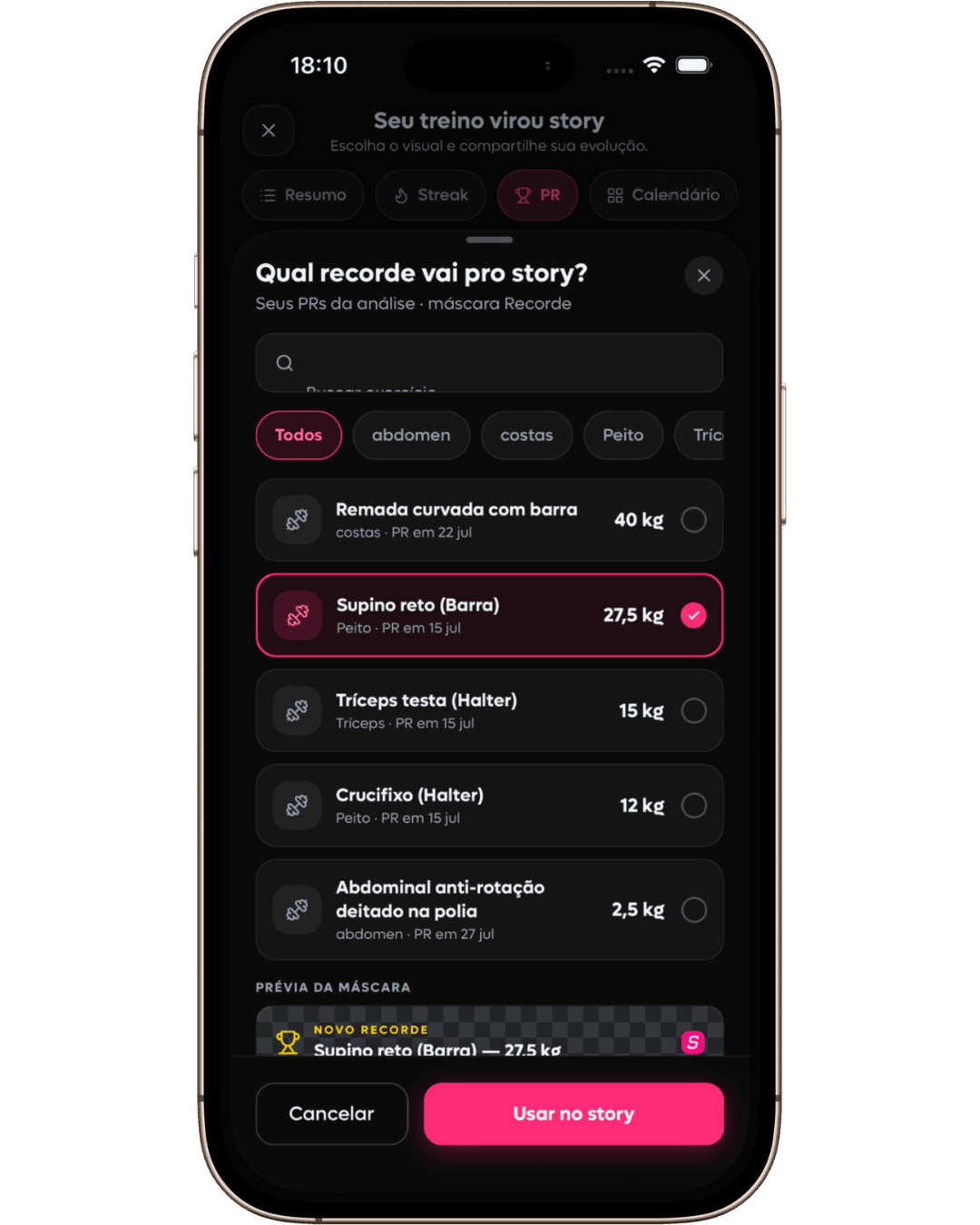
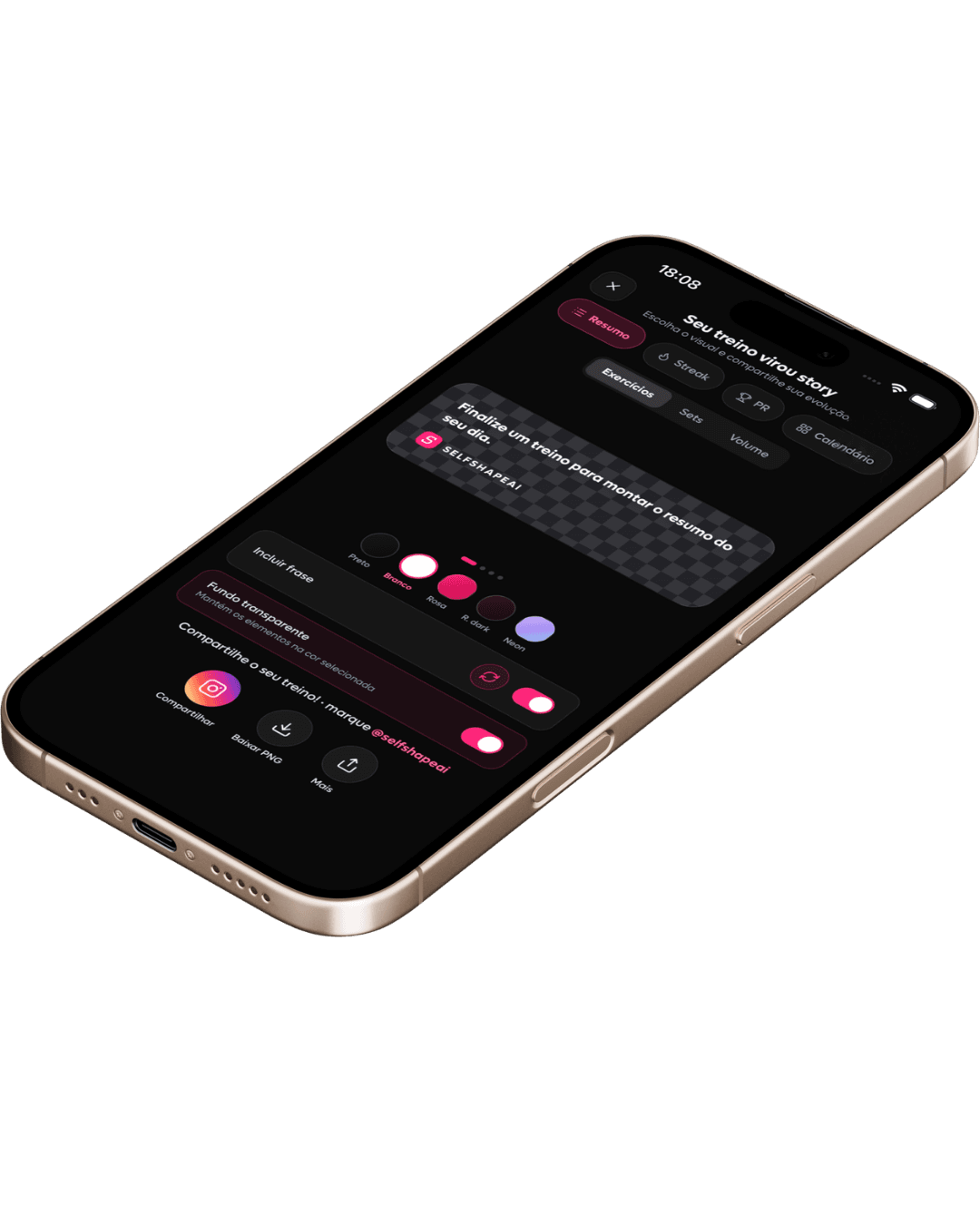
Every logged session shows part of the journey. Bring together a summary, streak, PR, or calendar to highlight the effort behind your progress. Customize, download, and share it.
Loads, reps and your check-in become history.
A summary, streak, PR, or calendar shows part of your progress.
Take that record of your progress to your networks and communities.
Direct contact
Use the communities to exchange experiences and send suggestions. When you want to speak directly with the team, write to contato@selfshapeai.com.
Email the teamWatch SelfShapeAI videos on YouTube, post questions and exchange training experiences on Reddit, or follow news and share your milestones with us on Instagram.
After a session, choose a summary, streak, PR, or calendar to highlight a moment in your progress. Customize, download, and share it.
Training questions, progress updates, product suggestions, and records made in Story Studio. Each channel offers a different way to keep the conversation going.
Follow @SelfShapeAI on YouTube for videos and launches. On Instagram, @selfshapeai brings you news, short-form content and behind-the-scenes moments.
Training in the app, progress in motion
In SelfShapeAI, you create the plan, log the session, and follow your progress. On iPhone, Story Studio brings real workout moments into records you can download and share.