
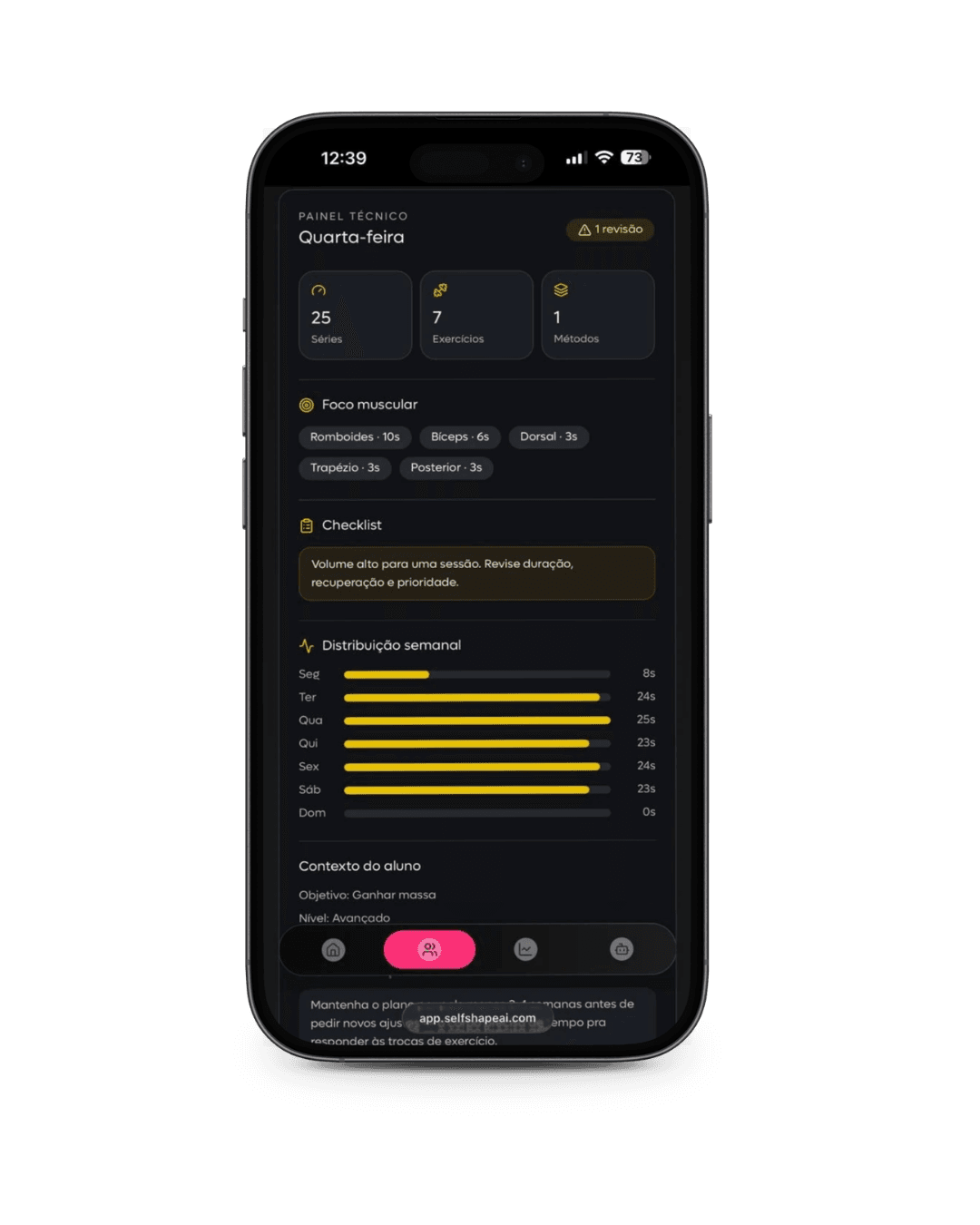
A view of each client
See the active plan, recent training logs and points that need attention before reviewing next week.
Professional area
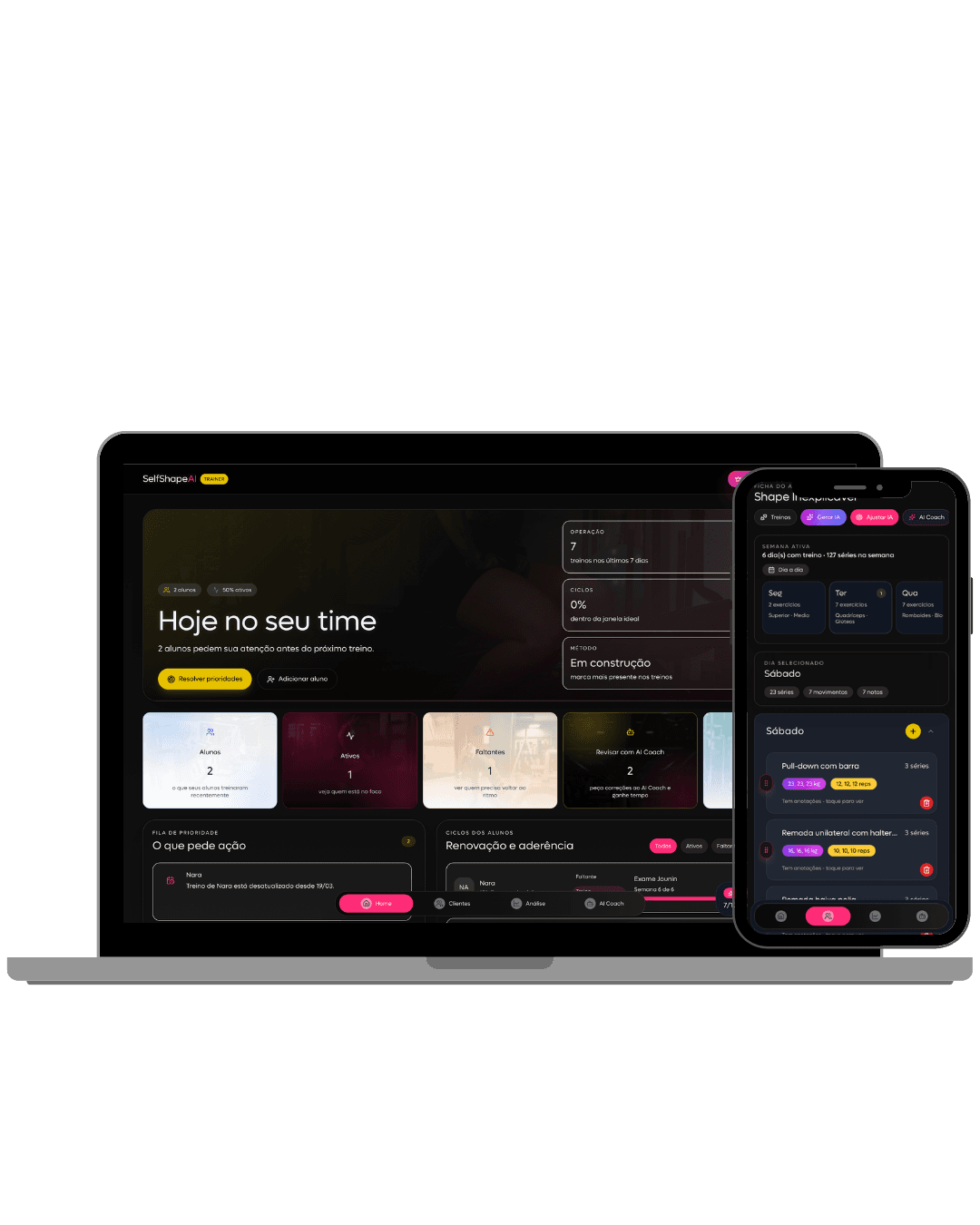
A professional area for personal trainers to follow clients through plans, execution, training logs and supporting AI. Fewer scattered spreadsheets, more informed professional decisions.
Professional area
The Personal Account organizes what is usually scattered across spreadsheets, conversations, memory and manual reviews.
See the active plan, recent training logs and points that need attention before reviewing next week.
Organize blocks, workout versions and goals while keeping each client's technical history.
Use execution, adherence and feedback to change exercises, volume or focus without losing the logic of your method.
Clients log their routine so you enter conversations with better data than scattered messages and memory.
Trainer dashboard
The Personal Account's core screens are built for professionals: technical dashboard, AI summaries, recommendations, dynamic plans, active week and technical details.
Follow active clients, ongoing plans and adherence signals in a view built for professional decisions.
Professional access
Request access if you are a trainer and want to bring training, adherence and reviews into a clearer workflow.
Professional request
The team reviews your professional context before enabling the next step.
CREF is required only for Brazil.
How it starts
Provide your professional details and describe how you plan to use the Personal Account. Trainers in Brazil must include CREF.
SelfShapeAI reviews your professional profile and intended use before granting the next step.
If your request moves forward, we contact you with guidance on access, setup and your first clients.
A workspace for personal trainers who support clients and need to organize plans, execution, training logs and reviews in one place.
The professional dashboard is yours. Clients use the training experience to follow the plan, log sessions and give you clearer data for reviews.
You can follow as many clients as make sense for your practice. The basic plan includes app access for three clients; unlocking more clients requires a larger plan.
Professional access is through the browser on desktop, phone or tablet. The trainer workspace is designed as a web dashboard.
No. AI helps organize context, history and training signals. The method, technical interpretation and final adjustments remain yours.
When a client logs workouts, execution and feedback, that information feeds the professional dashboard. The aim is to reduce reliance on scattered reports.
Yes. The Personal Account supports remote, hybrid or in-person coaching, especially when you need to review several clients consistently.
Next step
If you coach clients and want a professional workspace to review training with more context, send your details.